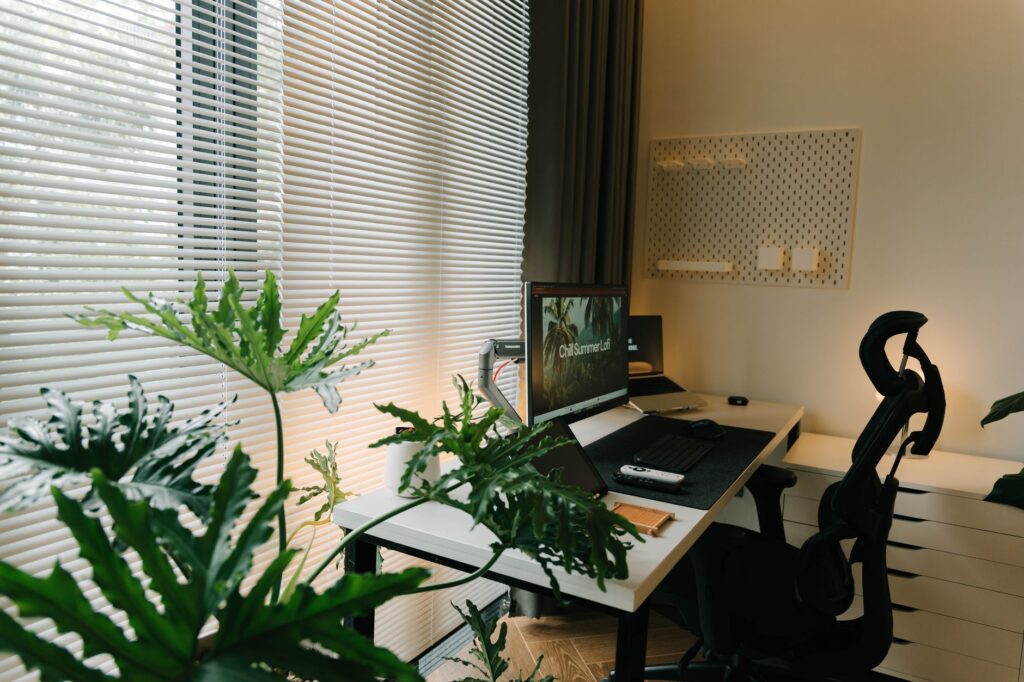
A kitchen table can become a workable office, but it rarely becomes a good one by accident. The goal is not to recreate a corporate workplace at home; it is to create a dependable place where your computer, body, attention and personal life can coexist. This guide explains how to set up a home office for remote work in a house, apartment, condo or shared Canadian home.
Start with the space you already have. Then solve the biggest problems in order: comfort, lighting, technology, noise and the ability to stop working at the end of the day. A thoughtful setup can be simple, compact and easy to adjust.
Table of contents
- Choose the right location before buying equipment
- Build a comfortable desk setup
- Plan technology and connectivity
- Manage light, sound and privacy
- Create a workspace you can maintain
Choose the right location before buying equipment
Look for a place with enough room for your work surface, chair and regular movement. A spare bedroom is convenient, but it is not essential. A quiet corner of a living room, an underused dining area or part of a finished basement may work just as well. In a smaller Canadian home, the best location may be the one that can be reset at the end of each workday.
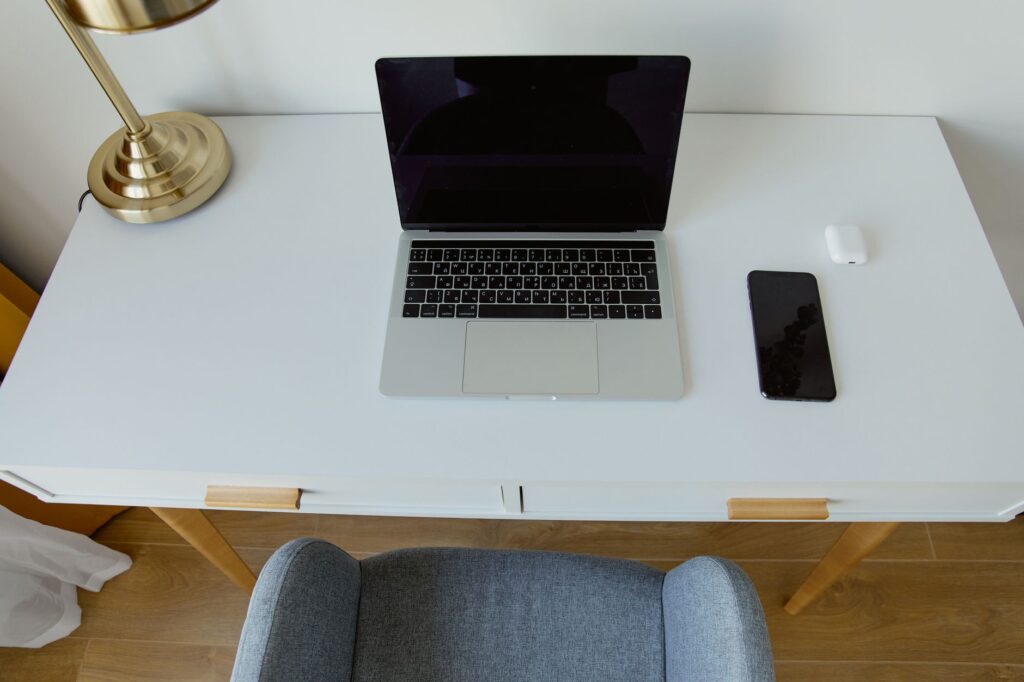
Pay attention to interruptions before you commit. A desk beside a television, kitchen walkway or laundry area may expose you to constant movement and noise. At the same time, a completely isolated spot may make household communication difficult. Consider how you will handle deliveries, children, roommates, pets and shared rooms during working hours.
- Check the light: avoid placing the monitor where a window creates glare or strong backlighting for video calls.
- Measure first: record the available width and depth, including space for the chair.
- Think about power: identify a nearby outlet without planning to overload it with multiple adapters.
- Plan storage: decide where papers, chargers and work accessories will go when they are not in use.
Build a comfortable desk setup
Your desk and chair form the foundation of the room. The desk should be large enough for the equipment you use daily, but not so large that it dominates the space. If you use paper documents, a second screen or a notebook, allow room for them before choosing a compact model.
Choose a chair that lets you sit with your feet supported and your shoulders relaxed. If the chair cannot be adjusted, a stable footrest or cushion may help you adapt the height, provided it does not make you feel unsteady. Comfort is personal, so test the main sitting position rather than judging a chair by its appearance alone.
Arrange the keyboard and mouse close enough that your elbows can stay near your sides. Keep frequently used items within easy reach, while moving rarely used equipment into a drawer or shelf. This reduces visual clutter and leaves more room for the work that matters.
Plan technology and connectivity
A reliable setup depends on more than a laptop. Check whether your computer, camera, microphone and display support the work you actually do. Someone who mainly writes documents may need only a laptop and comfortable keyboard, while frequent video meetings or data-heavy work may justify a larger display, dock or dedicated microphone.
Test your connection in the proposed workspace at the times you normally work. If the signal is weak, first consider moving the router or workspace, reducing physical obstructions or asking your internet provider about available options. Do not buy extra equipment until you know what problem you are trying to solve.
- Keep charging cables long enough to reach without crossing the main walking path.
- Label similar chargers and store spares together.
- Use a surge-protected power bar where appropriate, while following its instructions and capacity limits.
- Keep drinks away from computers, power connections and paper documents.
- Have a simple backup plan for an outage, such as saving work regularly and knowing how to contact your team.
Manage light, sound and privacy
Good lighting reduces the need to lean toward a screen. Use daylight when it is comfortable, then add a lamp that lights your work area without shining directly into your eyes or onto the display. In Canada, shorter winter days can make artificial lighting especially useful for early starts and late finishes, but brightness and colour preference vary from person to person.
Sound is harder to solve because it depends on the whole household. Headphones can help with conversations or steady background noise, but they should not prevent you from noticing important sounds around you. A closed door, a screen divider, a rug or soft furnishings may reduce the feeling of exposure, even when they cannot block every sound.
Consider what may appear on camera or be visible to others. Position screens away from windows and shared walkways when possible, and keep confidential papers out of view. A plain wall, bookshelf or temporary background can provide a consistent meeting backdrop without turning the room into a staged office.
Create a workspace you can maintain
The most useful home office is one you can reset quickly. At the end of the day, close open documents, return notebooks and chargers to their places, and clear the main surface. If the area serves another purpose, use a box, drawer or rolling cart to store work equipment together.
Use a short weekly check to catch small problems before they become frustrating. Look for loose cables, a crowded desktop, glare that has changed with the season, or equipment you no longer use. If you are uncomfortable, adjust one part of the setup at a time so you can tell what helped.
A routine also creates a boundary between work and home. Begin with a consistent preparation step, such as opening your task list, and finish by recording what needs attention next. This makes it easier to leave the desk, especially when the office is located in a room used for everyday life.
Bring the setup together
When you set up a home office for remote work, prioritise the decisions that affect every working day: a suitable location, a stable desk, a supportive sitting position, manageable lighting and dependable technology. Decorative items can come later.
Review the space after a week of normal use. The right arrangement is the one that lets you work comfortably, join meetings clearly, find what you need and put work away when the day ends. Whether your office is a dedicated room or one end of a dining table, deliberate choices can make it feel consistent and usable.